
 AI coding for SPIKE Prime
MyRoboBrick helps kids, families, and classrooms connect a real robot, describe the build, generate MicroPython skills, and test behavior without turning robotics into a black box.

How it works
One loop from physical build to working robot behavior.
Connect the hub
Pair SPIKE Prime over Bluetooth and read motors, sensors, battery, and signal.
Save the build
Capture the robot photo, port map, notes, and the behavior you want.
Create skills
Ask in plain English, review generated MicroPython, and keep working versions.
Talk to the robot
Use voice and live sensor state to run bounded actions and debug the next step.
Build context
Give the assistant the robot that is actually on the table.
The app ties generated code to the real build: what is plugged into each port, what the learner named the robot, and which sensor readings matter for the skill.
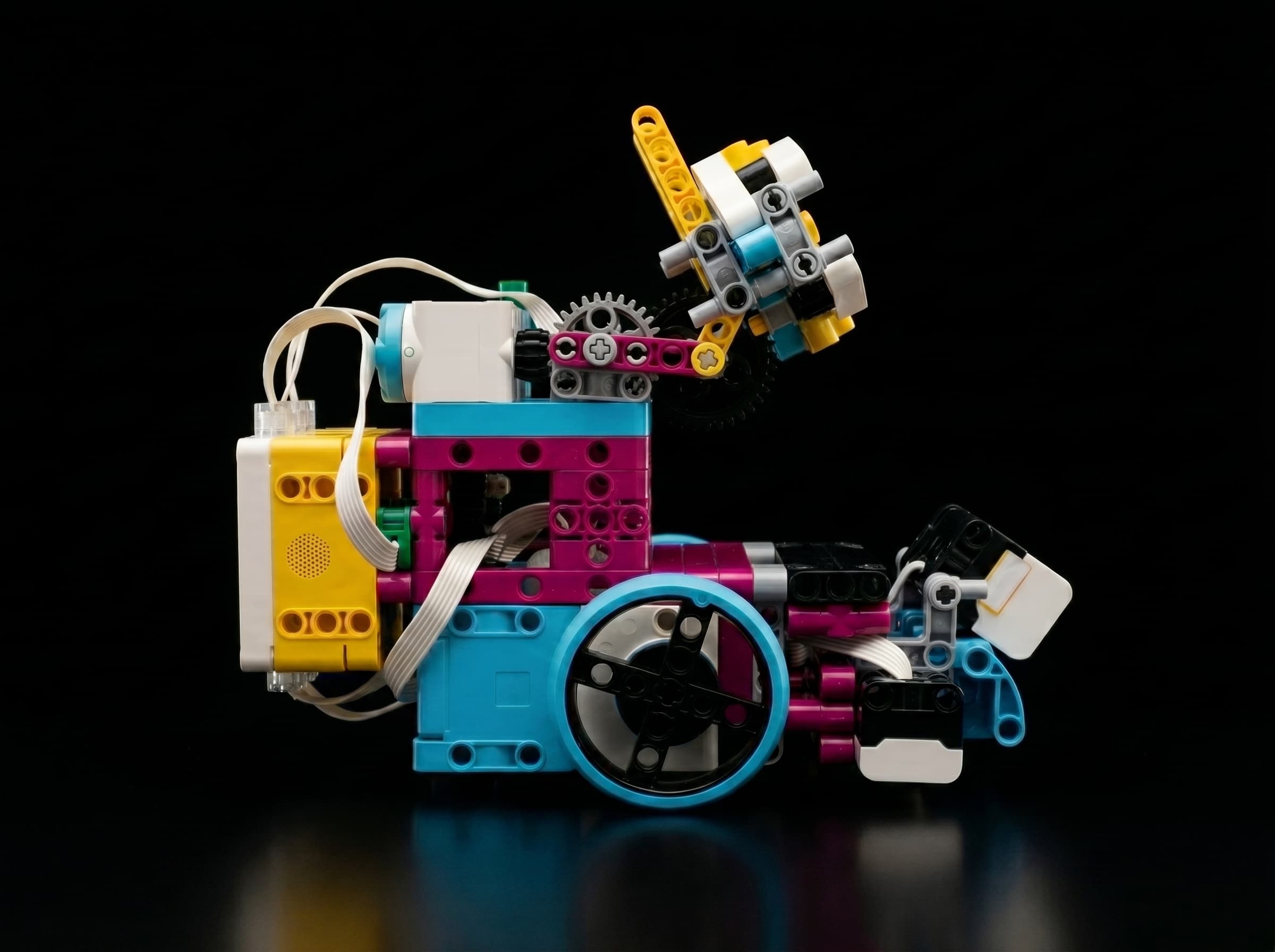
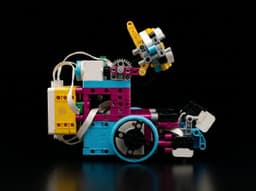
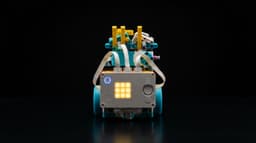
Line Scout
Drive base with color sensors for edge detection.
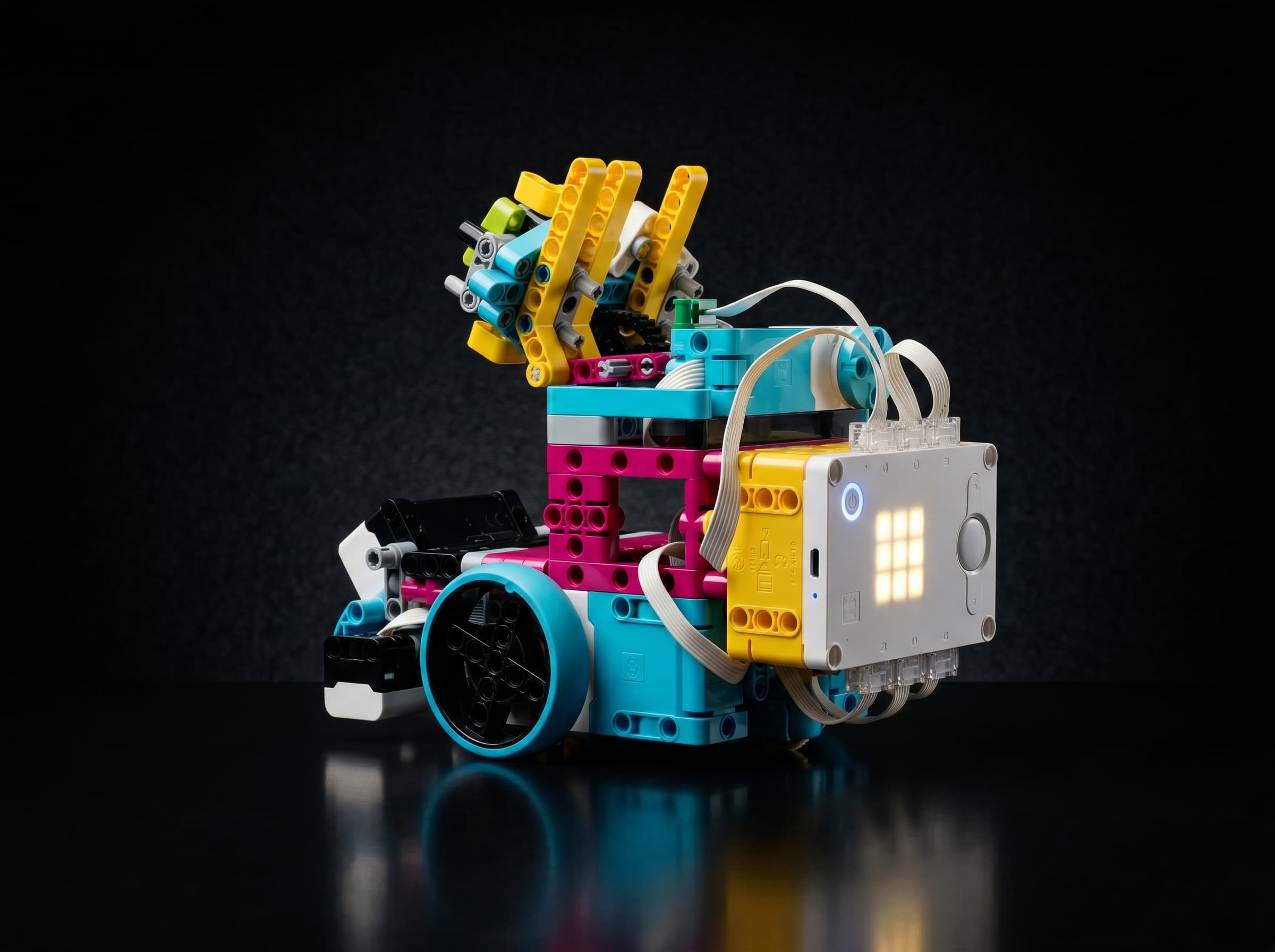
Arm Runner
Two-wheel base plus a front arm for pick/drop skills.
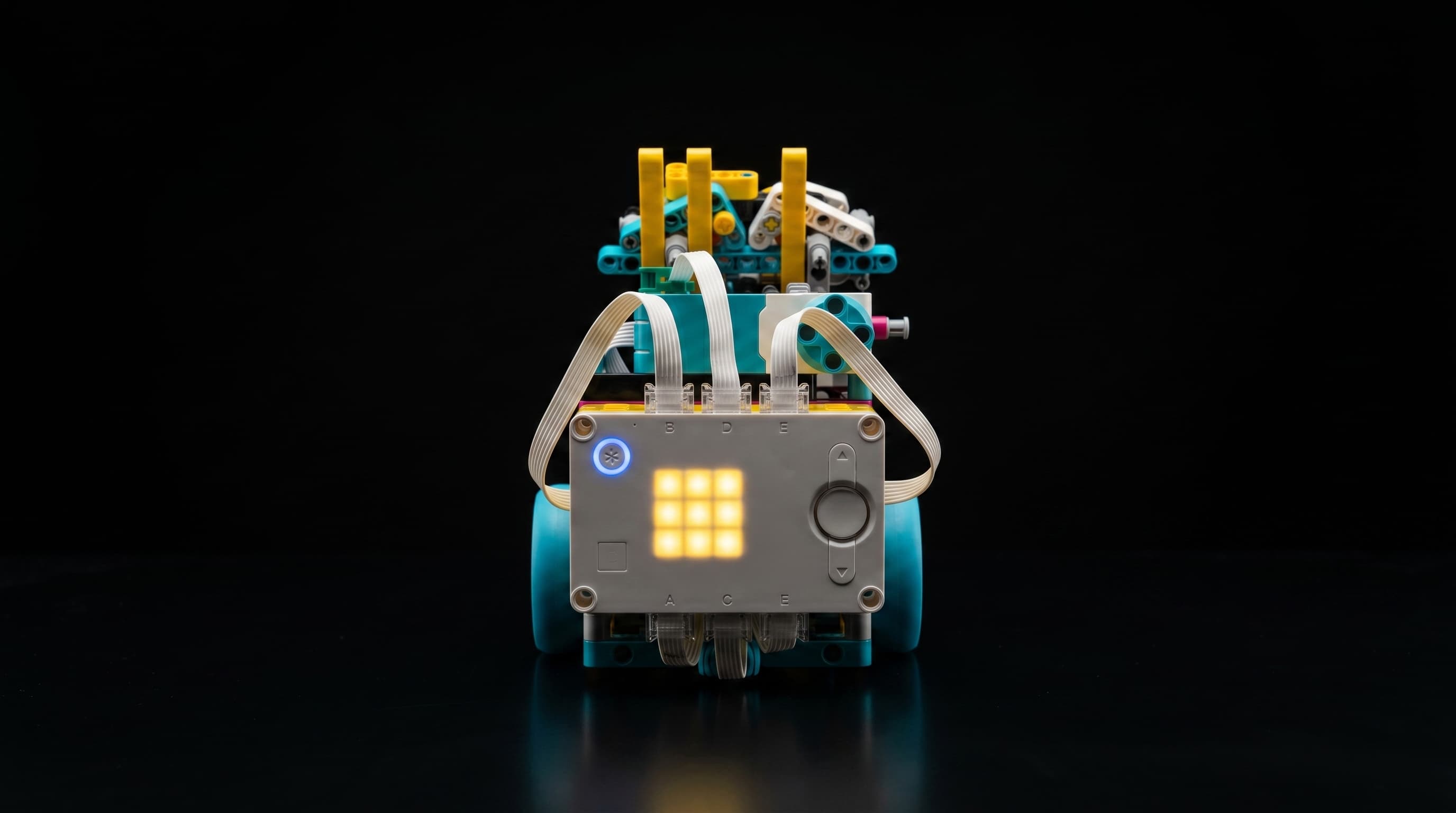
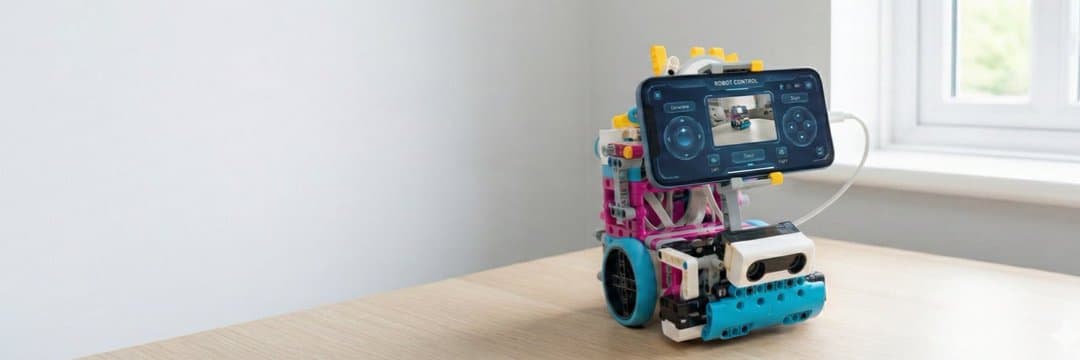
Mounted Explorer
Phone-mounted build for camera, motion, and voice tests.
 My builds
 ›
› ›
› ›
›follow_line.py
Natural language skills
Describe the goal, review the MicroPython.
Turn open-ended ideas into deterministic robot code. Describe what sensors to watch and how motors should react—AI generates the boilerplate and logic so you can focus on the behavior.
Mounted intelligence
Mount the iPhone to give the robot eyes, ears, and reasoning.
SPIKE keeps reliable motors and hub sensors. The iPhone adds camera, motion, voice, and AI context when the learner wants a smarter experiment.
Phone sensor stack
Camera, microphone, speaker, accelerometer, gyroscope, and network context ride with the build.
AI reasoning loop
LLMs help explain goals, debug behavior, and suggest next code while the learner stays in control.
Deterministic safety
Fast motor timing and stop conditions stay in predictable SPIKE code, not open-ended chat.

Dad · builds & code

Son · builds & testing
Trust posture
Private by default, clear enough for families.
The public site keeps the important promises easy to find: no accounts, no ads, local build data, and clear consent before optional AI features run.
- No accounts, advertising, or third-party analytics.
- Builds, code, photos, and chat stay on the iPhone unless you choose to share them.
- AI features run only when selected and ask for clear consent.
- Privacy and support pages stay visible for families and reviewers.
Beta Path
Help us bridge the gap between AI and physical robotics.
We are looking for families, teachers, and builders to help us test the TestFlight builds. As a beta tester, you get:
Early access
Test new code generation and voice control features before the App Store release.
Voluntary feedback
Optionally share build photos and code failures with us to help improve the LLM prompts for everyone.
Public beta · TestFlight
Spots are limited. Join the waitlist and we'll send a TestFlight invite as space opens up.